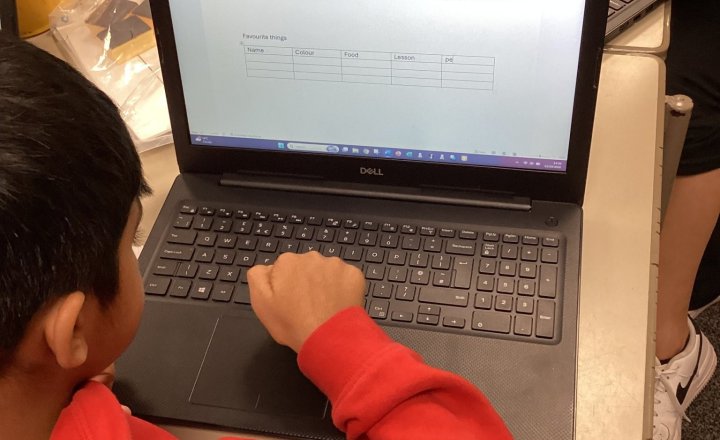
Year 3 (Class 8) - Computing - Tables in Microsoft Word
Today in computing we learned how to insert and populate a table in Microsoft word.
We gathered information about our classes favourite things to complete our table.
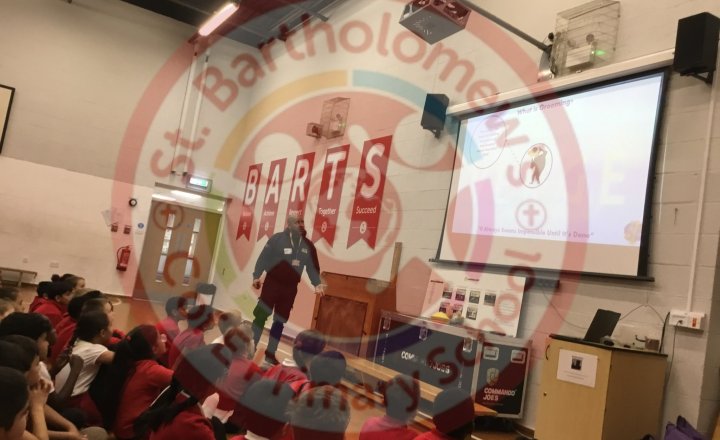
Year 5 (Class 12) - Computing / PSHE - Online Safety
Today years 5 and 6 have had an assembly to learn and discuss online safety.
Children were informed on the legal age for social media, which is currently 13. In March, it changes to 16.
The online world is dangerous, please assess your child’s access to social media in light of this…
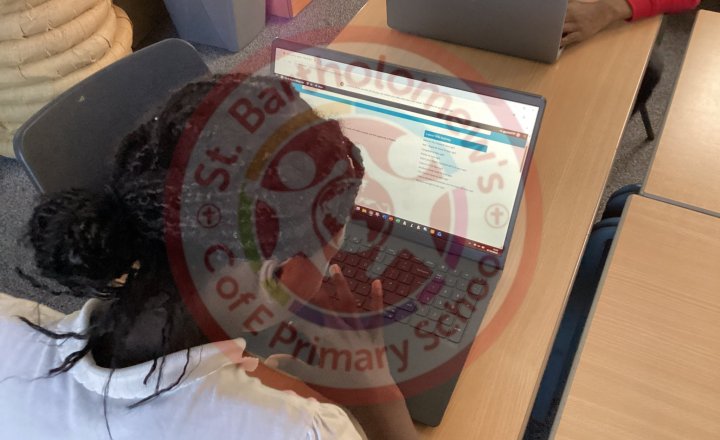
Year 6 - Computing Club - Commenting on our Wikipedia Pages
During Computing Club, we spent time reviewing and commenting on our fellow pupils' Wikipedia pages. Before leaving comments, we discussed the importance of communicating respectfully and responsibly online. Pupils shared positive feedback about each other's work, highlighting what they liked and…
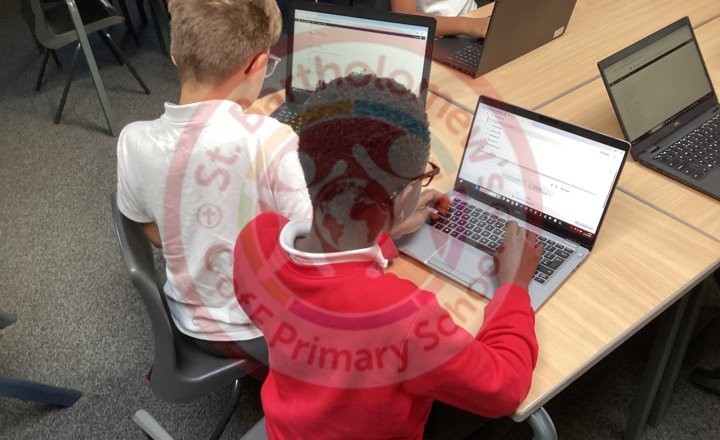
Year 5 - Computing Club - Commenting on our Wikipedia Pages
During Computing Club, we spent time reviewing and commenting on our fellow pupils' Wikipedia pages. Before leaving comments, we discussed the…
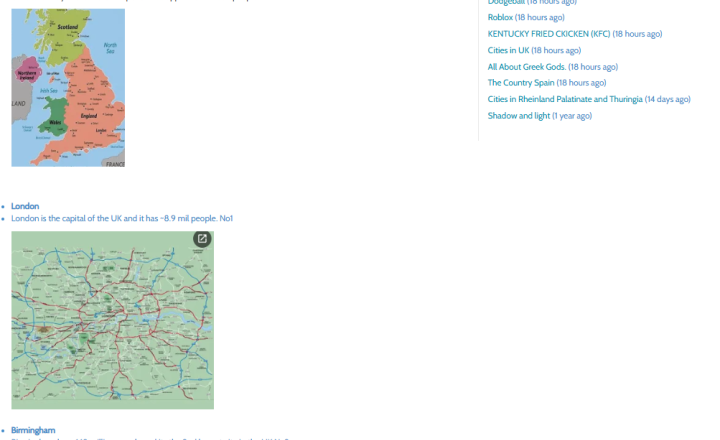
Year 6 - Computing Club - Wikipedia Pages and Adding Images
In Computing Club, we have been continuing to improve our own Wikipedia-style pages by adding images to make them more interesting and informative. We learnt how images can help bring a page to life and make it more engaging for readers. We also discussed the importance of positioning images…
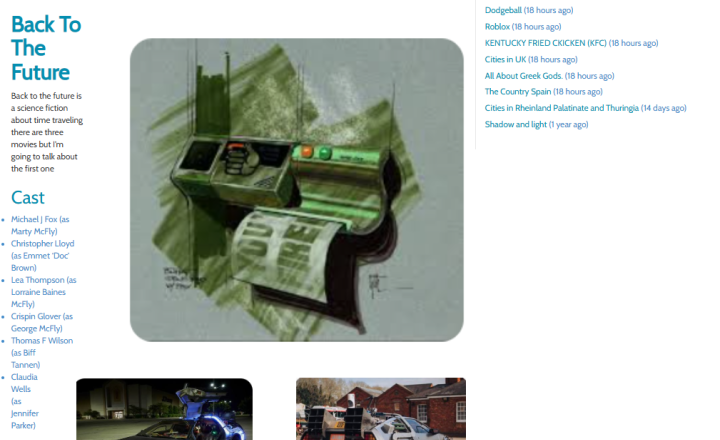
Year 5 - Computing Club - Wikipedia Pages and Adding Images
In Computing Club, we have been continuing to improve our own Wikipedia-style pages by adding images to make them more interesting and informative. We learnt how images can help bring a page to life and make it more engaging for readers. We also discussed the importance of positioning images…
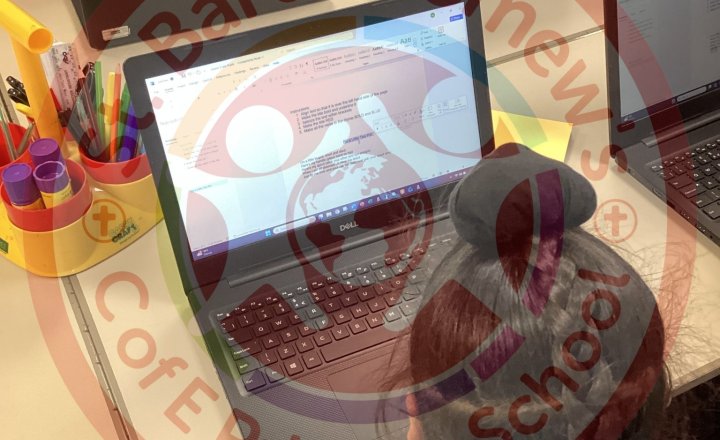
Year 3 (Class 8) - Computing - Word Processing Skills
Today we practiced some word processing skills.
We learned how to use the undo/redo buttons, how to change our fonts using bold, colours, italics and underlining and how to save our work.
We were really good at this!
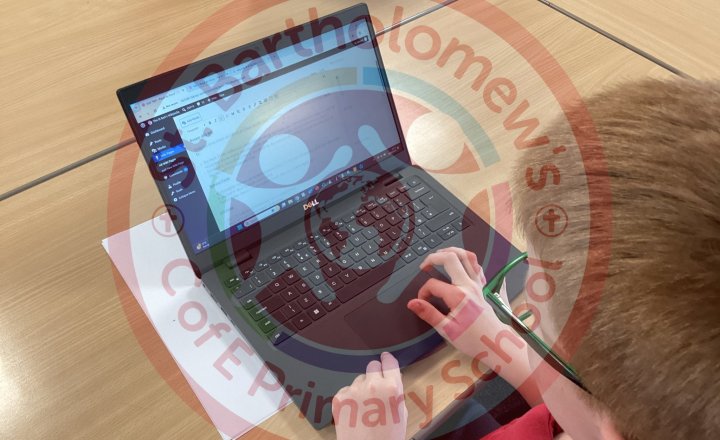
Computing Club - Formatting our Wikipedia Pages
In Computing Club, we are continuing to work on creating our own Wikipedia pages.
We are learning how formatting can make information clearer and more attractive to readers by using features such as larger, bold headings, bullet points, and organised sections. This helps us present our…
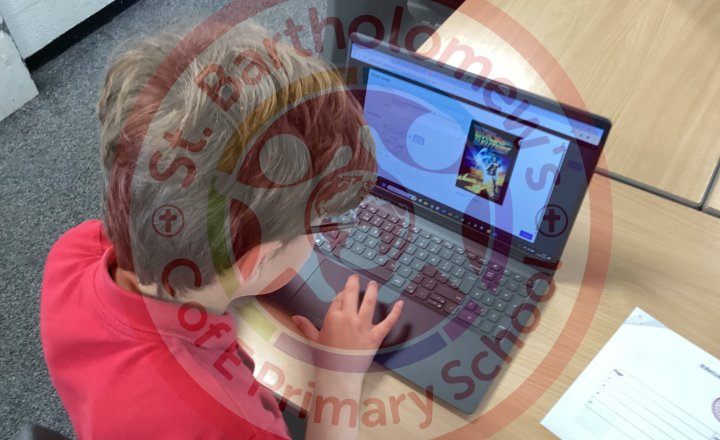
Computing Club - Formatting our Wikipedia Pages
In Computing Club, we are continuing to work on creating our own Wikipedia pages.
We are learning how formatting can make information clearer and more attractive to readers by using features such as larger, bold headings, bullet points, and organised sections. This helps us present our…
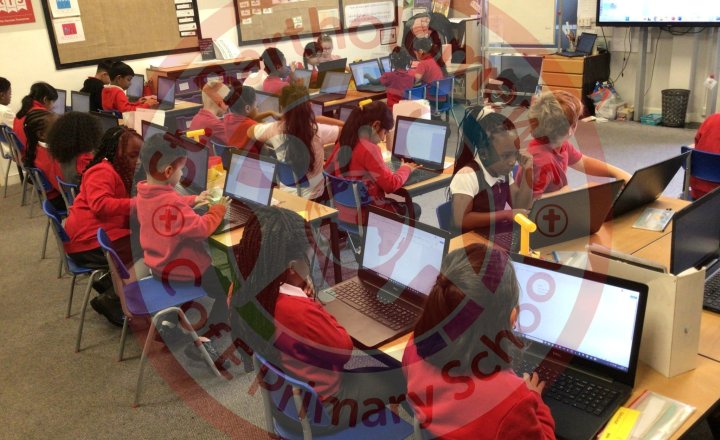
Year 2 (Class 6) - Computing - Laptop Skills
Class 6 have been working hard on their computing skills. 3 weeks in and most pupils can log on independently.
Pupils have been learning to use shift to create capital letters, use space bar once for a finger space, find a full stop as well as finding all the letters they need for their words…
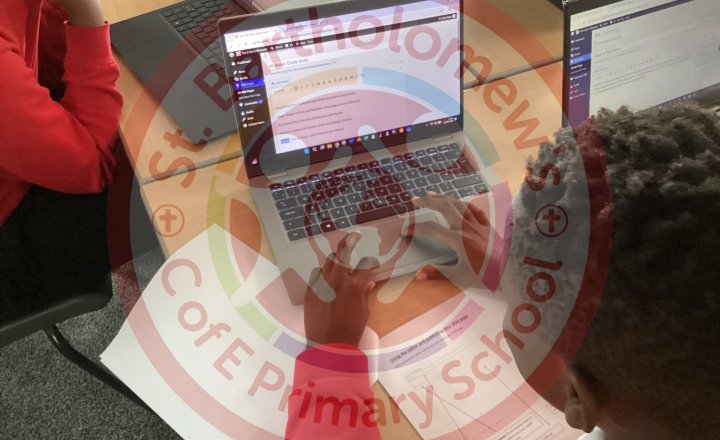
Year 5 - Computing Club - Creating a Wikipedia Page
In Computing Club, we have been learning about Wikipedia and discussing why it is important to think carefully about information we find online. While Wikipedia can be a very useful source of information, anyone can edit many of its pages, which means mistakes can sometimes appear. We also talked…
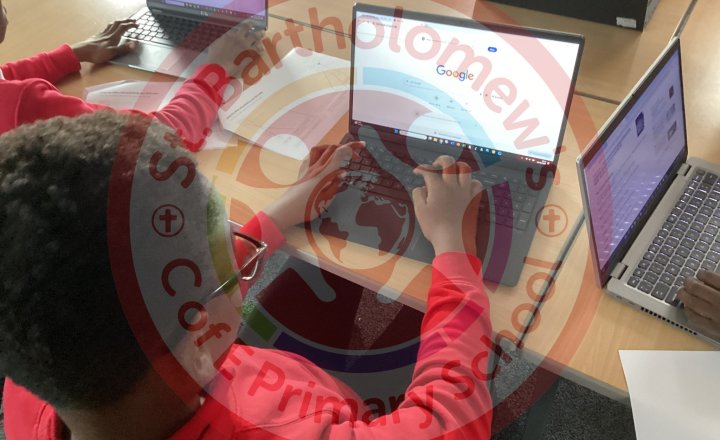
Year 6 - Computing Club - Creating a Wikipedia Page
In Computing Club, we have been learning about Wikipedia and discussing why it is important to think carefully about information we find online. While Wikipedia can be a very useful source of information, anyone can edit many of its pages, which means mistakes can sometimes appear. We also talked…