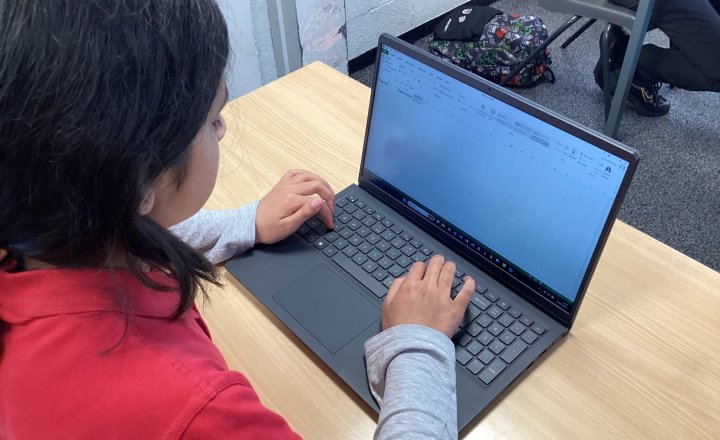
Year 5 - Computing Club - Budgeting
In computing club, we have been using Excel to plan and manage the budget for our end‑of‑year school party.
By creating spreadsheets, we’ve been able to organise our ideas clearly, listing expected costs such as food, decorations, and entertainment while also tracking how much money we have…
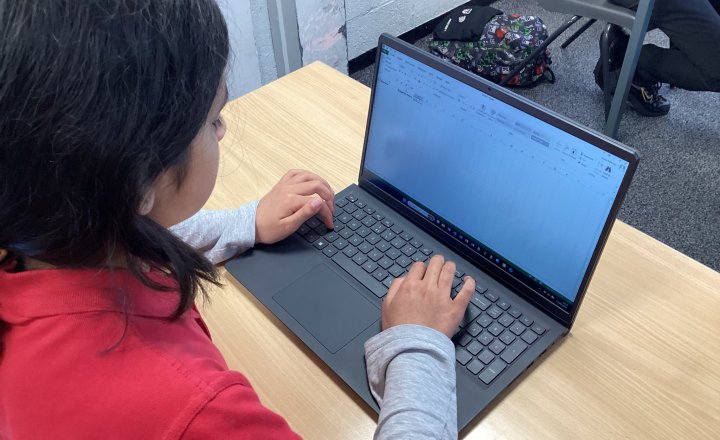
Year 6 - Computing Club - Budgeting
In computing club, we have been using Excel to plan and manage the budget for our end‑of‑year school party.
By creating spreadsheets, we’ve been able to organise our ideas clearly, listing expected costs such as food, decorations, and entertainment while also tracking how much money we have…
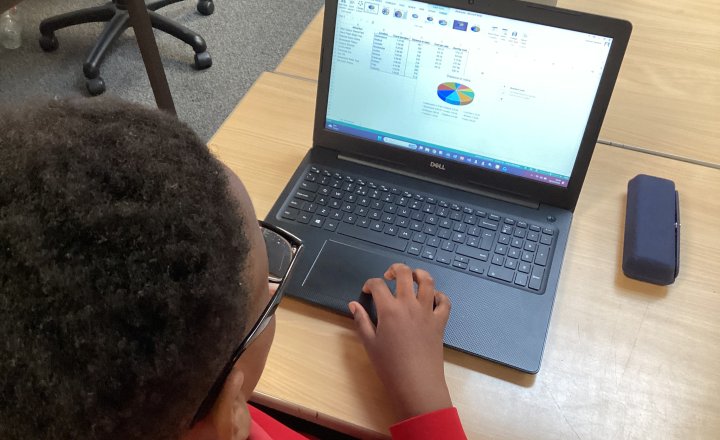
Year 6 - Computing Club - Microsoft Excel Calculations
Year 5 and Year 6 pupils continued developing their Excel skills in Computing Club, focusing on formulas and calculations to work out totals. They applied these skills to a real-life task, calculating the cost of petrol for visiting different attractions across the UK, which helped them understand…
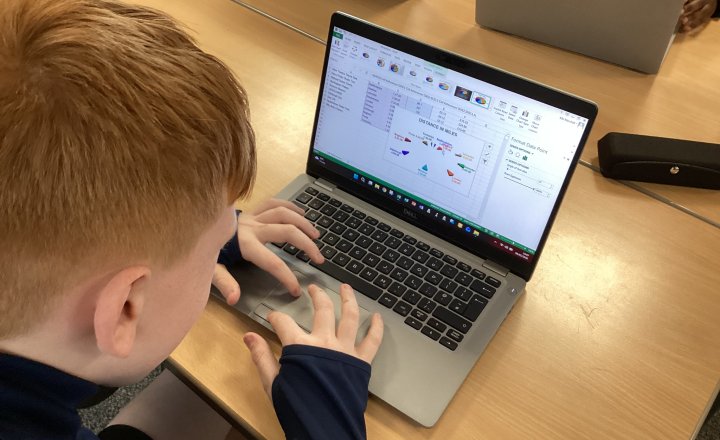
Year 5 - Computing Club - Microsoft Excel Calculations
Year 5 and Year 6 pupils continued developing their Excel skills in Computing Club, focusing on formulas and calculations to work out totals. They applied these skills to a real-life task, calculating the cost of petrol for visiting different attractions across the UK, which helped them understand…
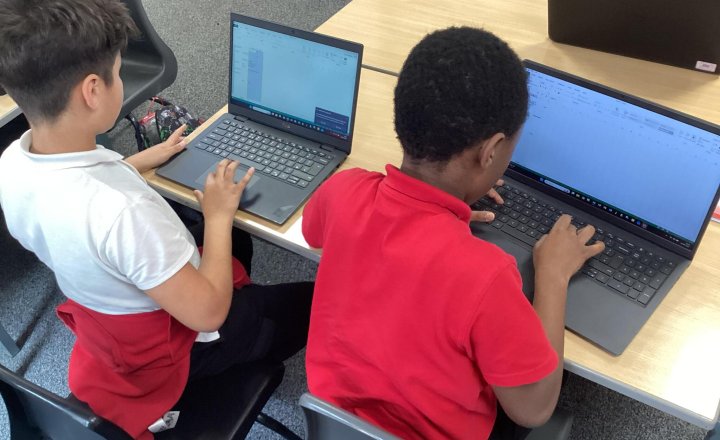
Year 5 - Computing Club - Introduction to Microsoft Excel
In our first week at computing club, we introduced the basics of Microsoft Excel.
The children learned how spreadsheets are organised using rows, columns, and cells, and how these work together to store and display information. We also explored how to fill series, showing pupils how Excel can…
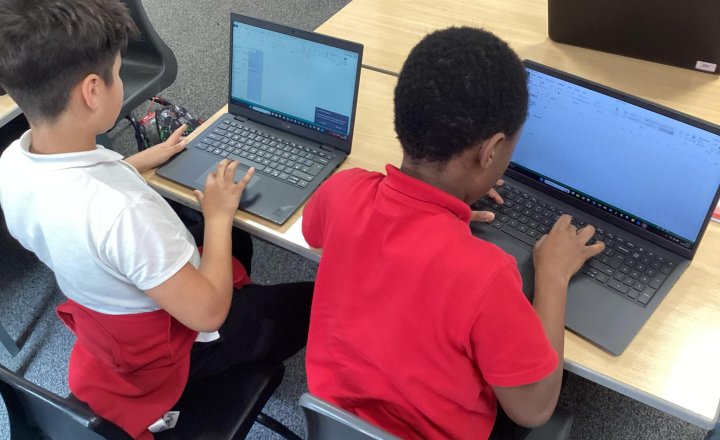
Year 6 - Computing Club - Introduction to Microsoft Excel
In our first week at computing club, we introduced the basics of Microsoft Excel.
The children learned how spreadsheets are organised using rows, columns, and cells, and how these work together to store and display information. We also explored how to fill series, showing pupils how Excel can…

Year 2 (Class 6) - Computing - Stop Motion Animation
Class 6 have been continuing with their animation topic building up their skills and knowledge using stop motion animation.
They used small squares to spell out a word creating a film out of it to understand the small movements needed in animation and how everything needs to be done a…

Computing Club - Scratch Game
The pupils in Computing Club have done an outstanding job creating their Dragon Catch game using Scratch, showing impressive creativity, problem‑solving, and growing programming confidence.
They designed engaging gameplay, coded character movement and scoring, and worked collaboratively to…
Computing Club - Scratch Game
The pupils in Computing Club have done an outstanding job creating their Dragon Catch game using Scratch, showing impressive creativity, problem‑solving, and growing programming confidence.
They designed engaging gameplay, coded character movement and scoring, and worked collaboratively to…
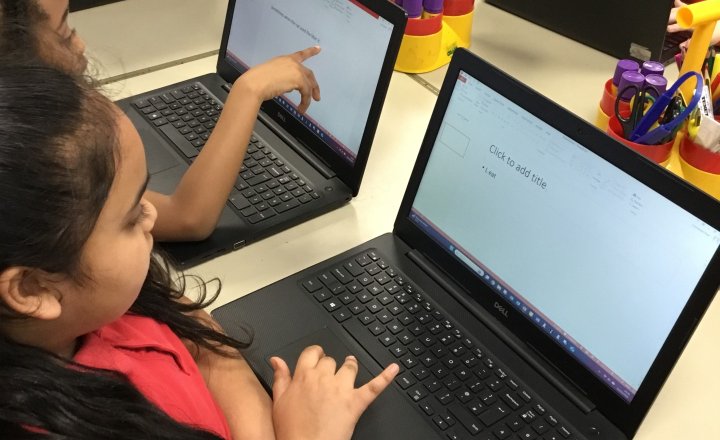
Year 3 (Class 8) - Computing - Hobby Presentations
Today we continued learning about presentations by creating one about our hobbies.
We learned how to snip pictures to support our text and add them into our slides.
We also used what we had learnt in the previous lesson to edit the font size and colour.
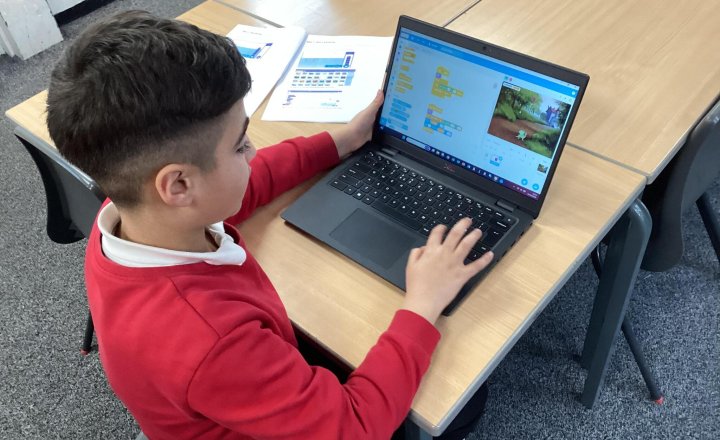
Year 6 - Computing Club - Scratch Multi Level Game
The children were full of energy this week, immediately asking if they could dive into Scratch so they could start building their own multi‑level game.
They picked things up quickly, experimenting with sprites, movement, and how levels could get progressively harder.
Each child had their…
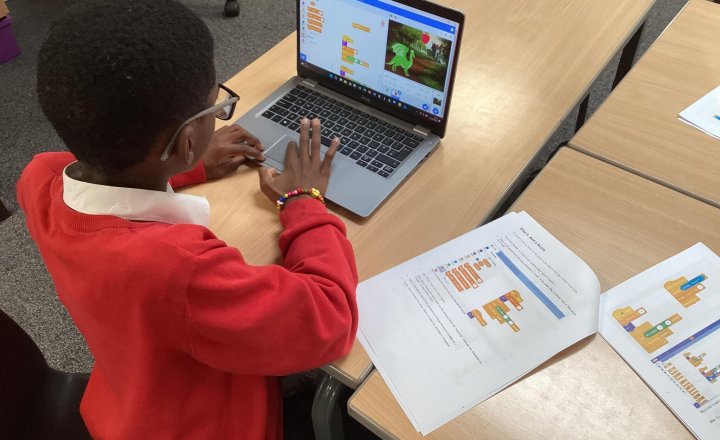
Year 5 - Computing Club - Scratch Multi Level Game
The children were full of energy this week, immediately asking if they could dive into Scratch so they could start building their own multi‑level game.
They picked things up quickly, experimenting with sprites, movement, and how levels could get progressively harder.
Each child had their…