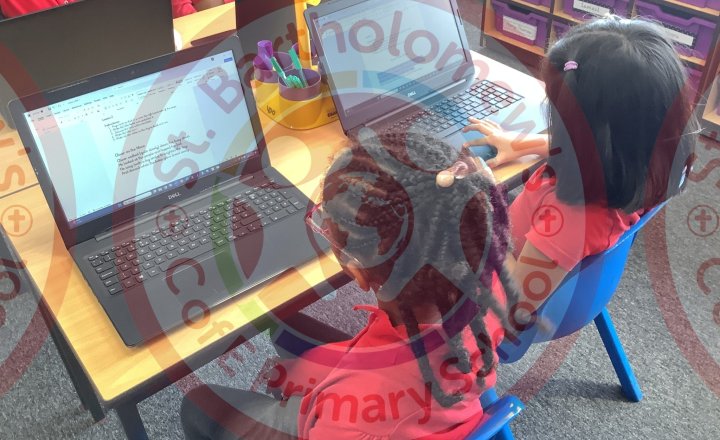
Year 4 (Class 9) - Computing - Word Processing
We have been developing our word processing skills in Class 9 - this week we have been editing text using bold, italics, underline and alignment.
We’ve also learnt how to undo if we make a mistake.
.JPG)
Year 2 (Class 6) - Computing - Sealife PowerPoint Presentations
Class 6 have worked very hard in computing creating PowerPoints about Sealife. They have learnt how to stay safe on the internet, how to report concerns and how to search on the internet safely.
They generated the questions they wanted to write about, found the answers, copied pictures to go…
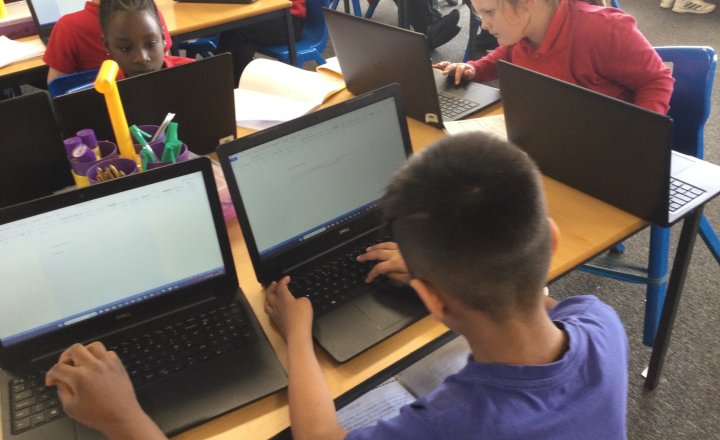
Year 4 (Class 10) - Computing - Newspaper Reports
In Computing, Class 10 have used their word processing skills from the first half term to write up their newspaper report about the alien abduction at St Bart’s!
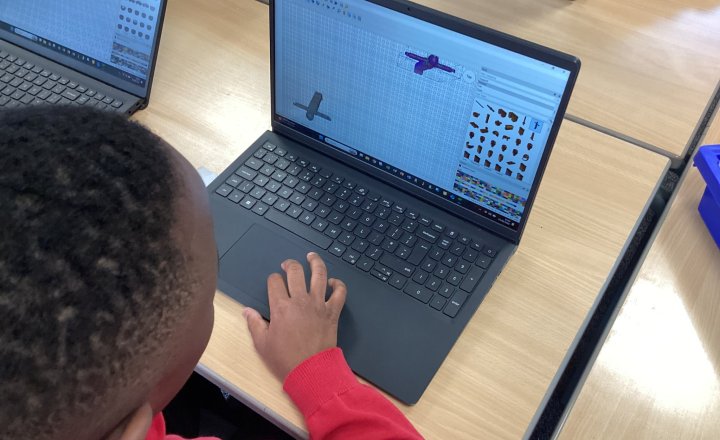
Year 6 - Computing Club - LeoCAD
The computing club tested out LeoCAD, a free open‑source digital LEGO CAD program, exploring how it lets users build detailed virtual LEGO models using thousands of bricks that closely mimic real-life construction.
It also helped develop digital literacy, as students needed to use both hands on…
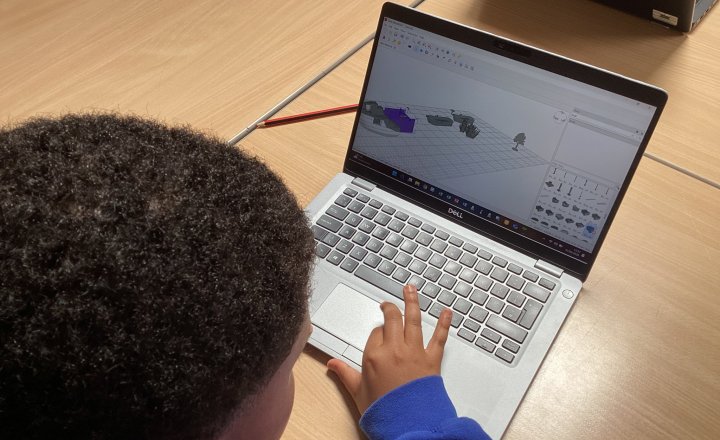
Year 5 - Computing Club - LeoCAD
The computing club tested out LeoCAD, a free open‑source digital LEGO CAD program, exploring how it lets users build detailed virtual LEGO models using thousands of bricks that closely mimic real-life construction.
It also helped develop digital literacy, as students needed to use both hands on…
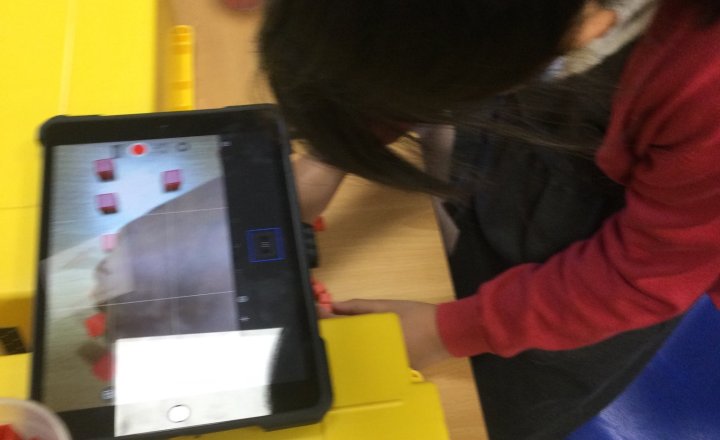
Year 2 (Class 5) - Computing - Stop Motion Animations
We have been making our own stop motion video in computing.
The children worked in pairs to create their final piece, an under the sea race and added audio to it.
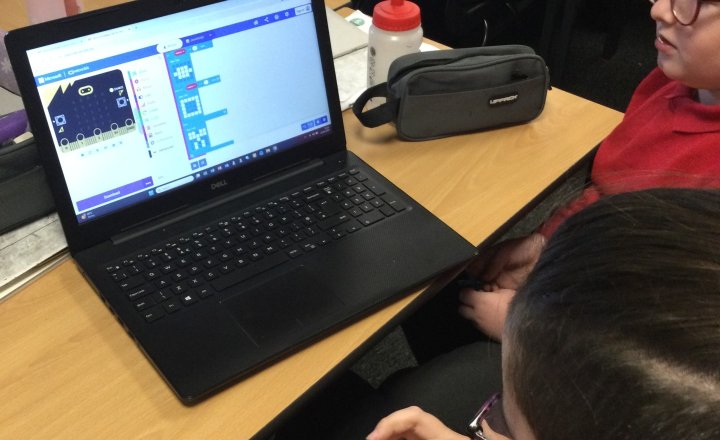
Year 5 (Class 12) - Computing - Micro:Bits
This half-term Class 12 have been using micro:bits to code.
They have coded it to display their name, pick random numbers (like a dice) and play rock, paper scissors.
They have absolutely loved it!
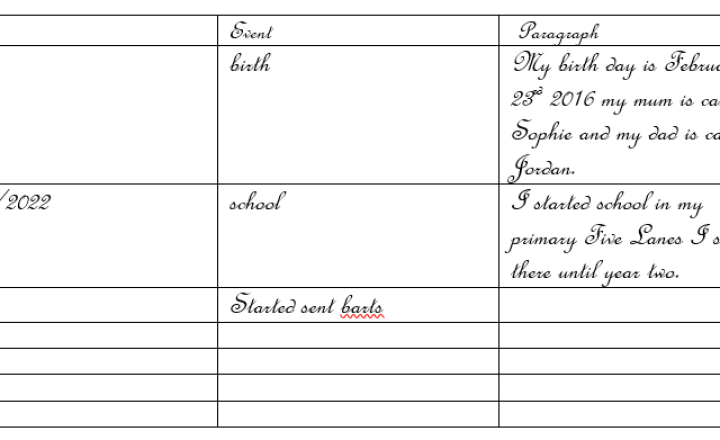
Year 5 (Class 12) - Computing - Key Facts
In Autumn Term Class 12 used Microsoft Word to produce tables with key facts.
They inserted key events of their lives in order to plan an autobiography.
The unit included inserting tables and changing fonts and size of water.
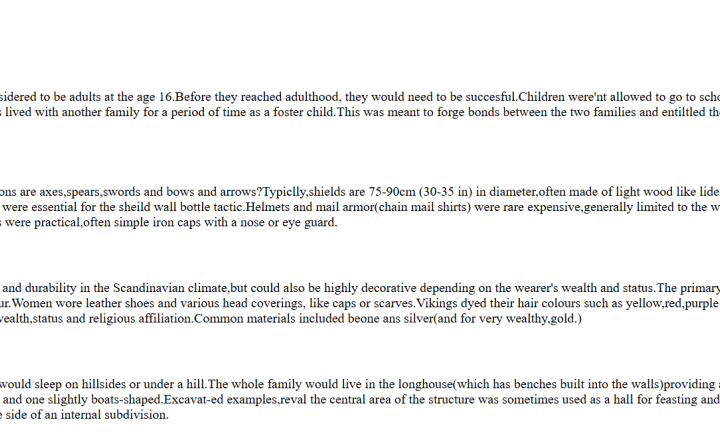
Year 5 (Class 12) - Computing - HTML
In Spring Term, Class 12 used coding to create a html page and became web designers.
The page was linked to our history topic- The Vikings and our English genre of non chronological reports.
Here are examples of what they produced.
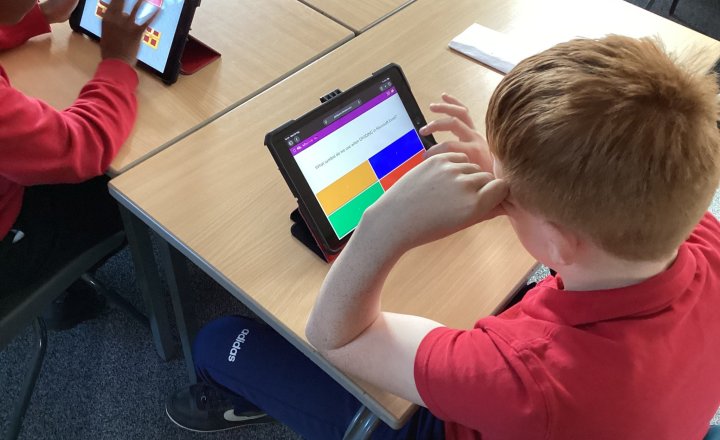
Year 6 - Computing Club - Blooket Excel Quiz
In computing club, we used the online Blooket quiz website to test pupils’ knowledge of Microsoft Excel in an engaging and interactive way.
The quiz included questions on key skills such as using formulas, creating charts, and understanding spreadsheet functions.
Pupils answered questions…
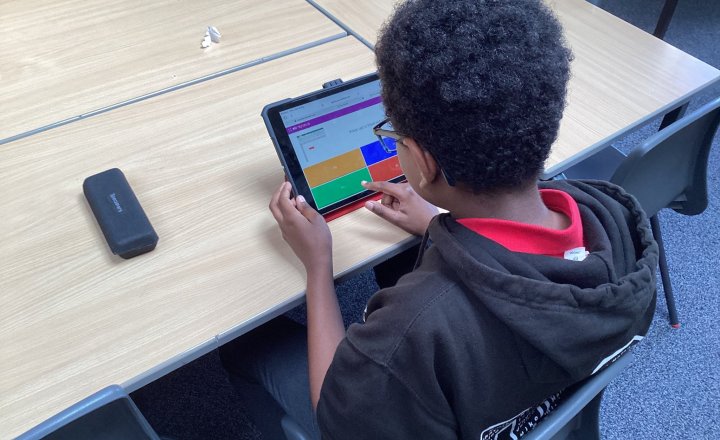
Year 5 - Computing Club - Blooket Excel Quiz
In computing club, we used the online Blooket quiz website to test pupils’ knowledge of Microsoft Excel in an engaging and interactive way.
The quiz included questions on key skills such as using formulas, creating charts, and understanding spreadsheet functions.
Pupils answered questions…
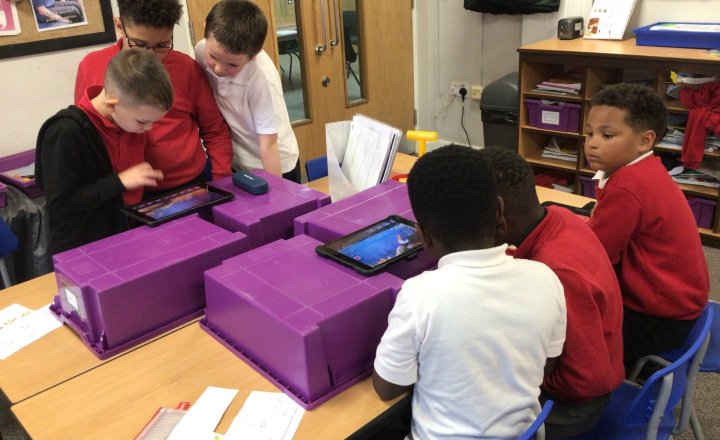
Year 2 (Class 6) - Computing - Under the Sea Animations
Class 6 have created their under the sea animations.
They created story boards and props, then used stop motion to create the animations in groups.
Next week they will be adding sound. Keep your eyes peeled for the final product!